
Picking a ticketing site for a gamification summit takes more than a quick search. Most platforms are built for concerts or yoga classes, not conferences with sponsor tiers, leaderboards, and networking tracks. Choose the wrong one and hidden fees eat into your margin, speakers struggle with clunky registration forms, and attendee engagement fades before the doors even open. This guide ranks the best websites for ticket sales at a gamification summit, based on fees, engagement features, and sponsor tools, with every pricing figure checked against each vendor’s own website.
Quick Answer: Best Ticketing Platforms for a Gamification Summit
Nine platforms stand out for gamification summit-style events in 2026, each suited to a different event size and format.
- Whova — best for built-in leaderboards and points-based engagement
- Eventbrite — best for public discovery and fast setup
- Cvent — best for large, multi-day summits with sponsor management
- Bizzabo — best for data-driven attendee experience
- Accelevents — best for mid-size hybrid B2B conferences
- Swapcard — best for matchmaking and exhibitor ROI
- vFairs — best for hybrid and virtual formats
- Ticket Tailor — best for flat-fee affordability
- TicketSpice — best for white-label branding at scale
Platform Comparison at a Glance
| Platform | Best For | Fee Model (per official vendor page) | Format Support |
| Whova | Built-in gamification and leaderboards | Custom quote; free tickets, no fee | In-person, hybrid, virtual |
| Eventbrite | Public discovery and fast setup | 3.7% + $1.79/ticket + 2.9% processing | In-person, virtual |
| Cvent | Large multi-day summits with sponsors | Not published; quote via sales | In-person, hybrid |
| Bizzabo | Data-driven attendee experience | Not published; quote via sales | In-person, hybrid |
| Accelevents | Mid-size hybrid B2B conferences | $1.50 + 3.5%/ticket (Free plan); paid tiers by quote | In-person, hybrid, virtual |
| Swapcard | Matchmaking and exhibitor ROI | Tiered by attendee volume; not priced publicly | In-person, hybrid |
| vFairs | Hybrid and virtual formats | Not published; custom quote | Hybrid, virtual |
| Ticket Tailor | Flat-fee affordability | £0.60/ticket, from £0.22 with credits | In-person, virtual |
| TicketSpice | White-label branding at scale | $0.99/ticket + 2.9% + $0.30 processing | In-person, hybrid |
Figures pulled directly from each vendor’s official pricing page. Platforms marked “not published” do not list rates anywhere on their own site.
Best Ticketing Platforms for a Gamification Summit in 2026
1. Whova
Best for: Built-in gamification and attendee engagement
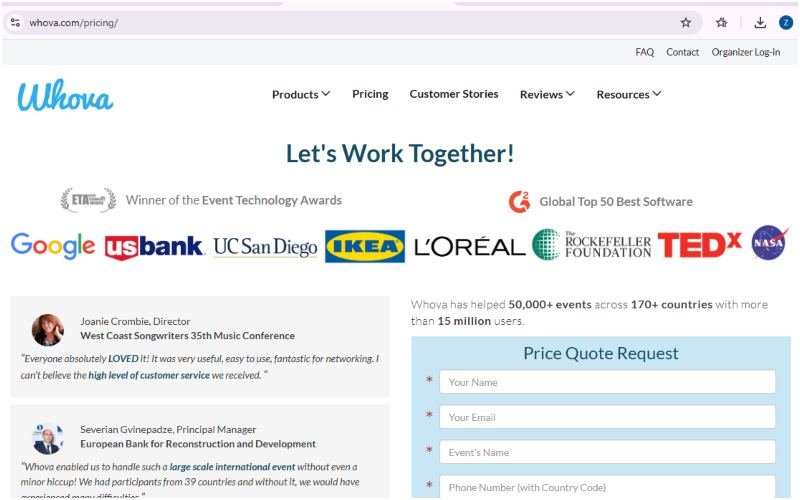
Whova pairs ticketing and registration with a mobile app that includes a leaderboard, point-based challenges, and photo contests. Attendees earn points for completing surveys, posting in the community board, and attending sessions, then compete for a spot on the leaderboard. For a gamification summit, this turns the app itself into a live demonstration of the same mechanics speakers discuss on stage.
Key features:
- Leaderboard and points system
- Live polls and trivia challenges
- Attendee matchmaking
- Sponsor and exhibitor profiles
Pricing: Whova does not list fixed prices anywhere on its site. Its official pricing page quotes each event individually based on format, duration, attendee count, and how many events an organizer runs per year. Its registration product page confirms free tickets carry no platform fee.
Source: whova.com/pricing and whova.com/event-registration-software
2. Eventbrite
Best for: Public discovery and fast setup
Eventbrite remains one of the most recognized names in ticket sales, and its marketplace can put a gamification summit in front of new attendees who are not already on an organizer’s mailing list. Setup takes minutes, and the checkout flow is familiar to most buyers.
Key features:
- Marketplace discovery
- Reserved seating
- Promo codes and discounts
- Mobile check-in app
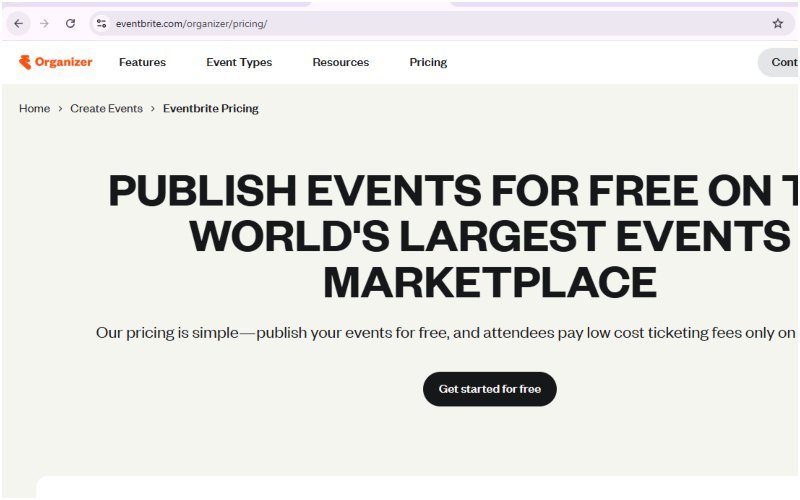
Pricing: Eventbrite’s official pricing page lists a 3.7 percent plus $1.79 service fee per paid ticket, plus a 2.9 percent payment processing fee per order. Free events carry no fee. Fees default to the buyer, but organizers can absorb them instead.
Source: eventbrite.com/organizer/pricing
3. Cvent
Best for: Large, multi-day summits with sponsor and exhibitor management
Cvent serves enterprise event teams running complex registration flows, separate paths for speakers, sponsors, and exhibitors, and detailed post-event reporting. It suits a gamification summit that spans several days with breakout tracks and a sponsor floor.
Key features:
- Custom registration workflows
- CRM integrations
- Badge printing and onsite check-in
- Advanced analytics dashboards
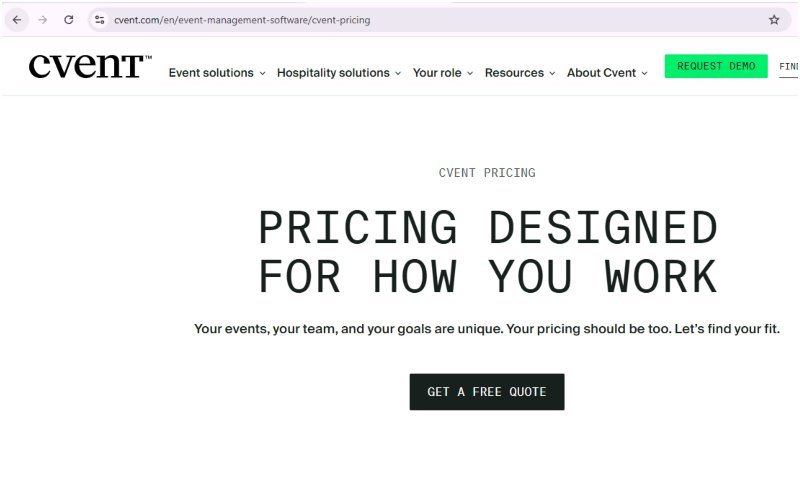
Pricing: Cvent’s own pricing page does not list any rates. It directs organizers to request a quote from its sales team, so cost depends entirely on the negotiated deal.
Source: cvent.com/en/event-management-software/cvent-pricing
4. Bizzabo
Best for: Data-driven attendee experience
Bizzabo combines ticketing with an event experience platform and pulls attendee behavior into a single data set organizers can use to prove ROI to sponsors after the summit ends.
Key features:
- Attendee analytics
- Personalized agendas
- Sponsor visibility packages
- Hybrid event support
Pricing: Bizzabo does not publish pricing on its own website. Prospective customers are directed to contact its sales team for a quote based on event scope and team size.
Source: bizzabo.com (pricing available only via “Talk to Sales”)
5. Accelevents
Best for: Mid-size hybrid B2B conferences
Accelevents handles both in-person and virtual attendees on one platform, which fits a gamification summit that streams sessions to a remote audience alongside an in-person crowd.
Key features:
- Hybrid streaming
- Silent auction and fundraising tools
- White-label branding
- Ticketing and registration in one system
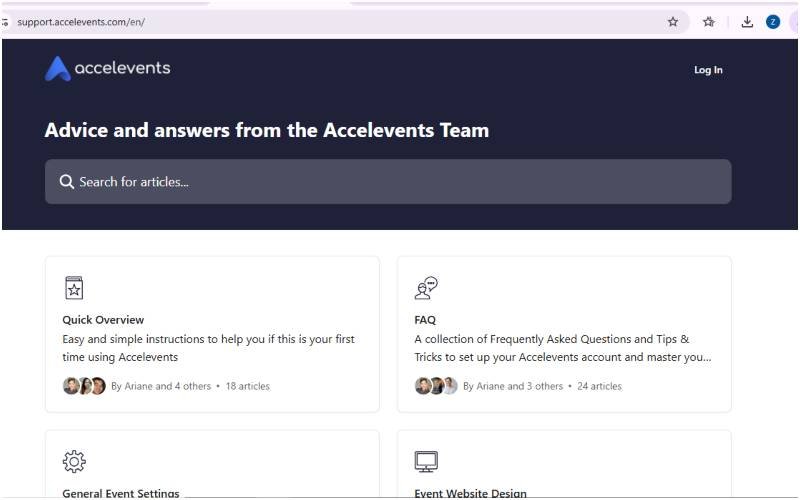
Pricing: According to Accelevents’ own help center, its Free plan charges a base platform fee of $1.50 per ticket plus 3.5 percent, on top of standard card processing of 2.9 percent plus $0.30. Its paid tiers, Professional, Business, Enterprise, and White Label, are not priced on the public site and require a quote.
Source: support.accelevents.com and accelevents.com/pricing
6. Swapcard
Best for: Matchmaking, exhibitor booths, and sponsor ROI
Swapcard focuses on connecting attendees, speakers, sponsors, and exhibitors through an AI matchmaking engine, which supports the networking goals most gamification summits build into their agenda.
Key features:
- AI-powered matchmaking
- Exhibitor booth management
- Lead capture for sponsors
- Unified data across an event portfolio
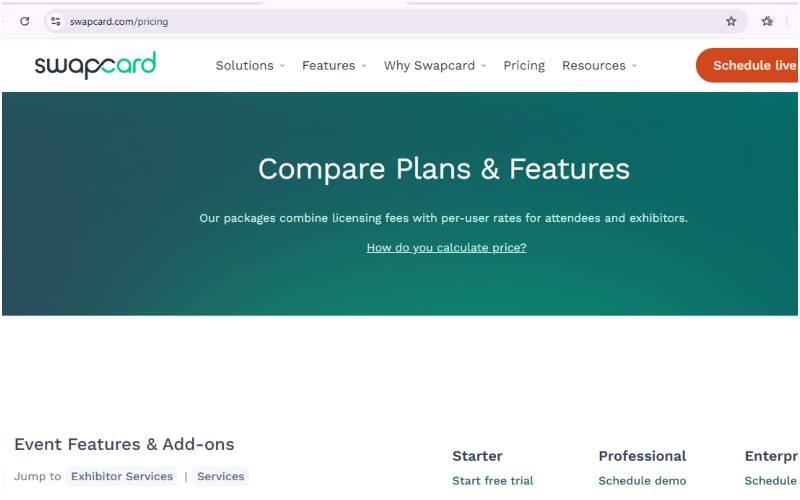
Pricing: Swapcard’s official pricing page lists three tiers by attendee volume, Starter (up to 1,000 attendees a year), Professional (up to 10,000 a year), and Enterprise (unlimited), combining an annual license fee with per-attendee and per-exhibitor rates. No dollar figures are published; each tier requires a demo or quote.
Source: swapcard.com/pricing
7. vFairs
Best for: Hybrid and virtual formats
vFairs specializes in virtual venues, exhibit halls, and live streaming, so it suits a gamification summit that runs partly or fully online. Its interactive booths let sponsors recreate a trade show floor on screen.
Key features:
- Virtual lobby and networking lounges
- Live streaming
- Exhibitor booths
- Badge scanning for in-person check-in
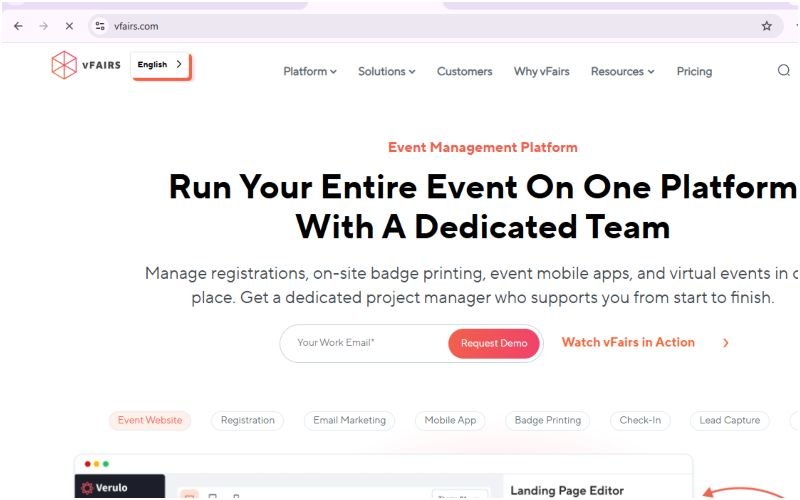
Pricing: vFairs’ pricing page does not list any rates. It asks organizers to share their event needs so its team can build a custom quote.
Source: vfairs.com/pricing
8. Ticket Tailor
Best for: Flat-fee affordability
Ticket Tailor charges a flat fee per ticket instead of a percentage of revenue, which keeps costs predictable for organizers running a gamification summit on a tighter budget.
Key features:
- Custom branded checkout
- Reserved seating
- Discount codes
- Box office for phone sales
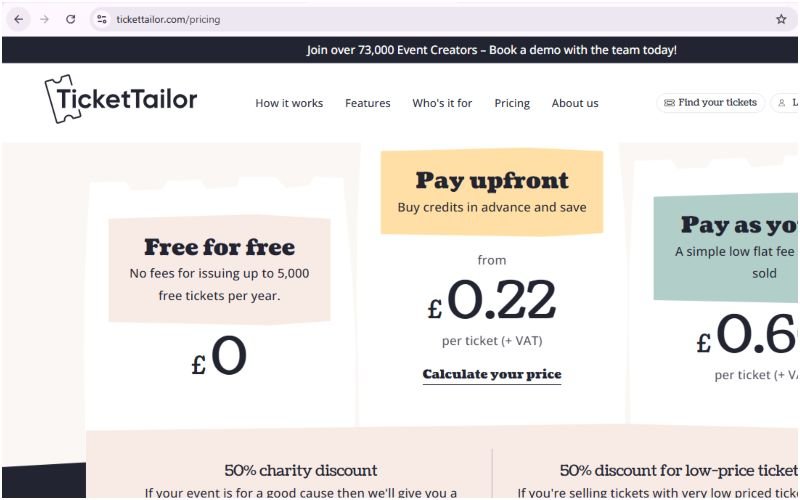
Pricing: Ticket Tailor’s own pricing page lists a pay-as-you-go rate of £0.60 per ticket (plus VAT), dropping to as low as £0.22 per ticket when organizers buy credits upfront. Events issuing up to 5,000 free tickets a year pay no platform fee at all.
Source: tickettailor.com/pricing
9. TicketSpice
Best for: White-label branding at scale
TicketSpice removes third-party branding from the checkout page entirely, so a gamification summit can keep its own visual identity from the first click to the confirmation email.
Key features:
- Full white-label checkout
- Real-time inventory management
- Custom reporting
- Add-on and upsell tools
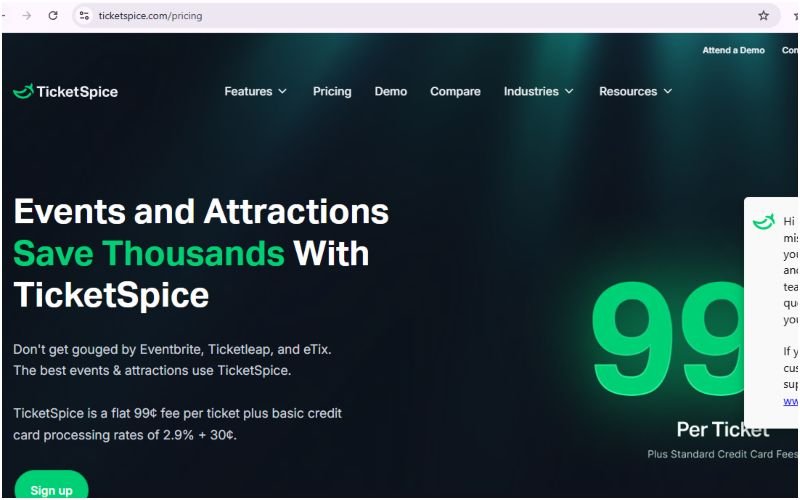
Pricing: TicketSpice’s official pricing page lists a flat 99 cents per ticket (49 cents for tickets under $5), plus standard credit card processing of 2.9 percent plus 30 cents. It states no monthly fees, setup fees, or contracts.
Source: ticketspice.com/pricing
How to Choose the Right Ticketing Website for a Gamification Summit
Six factors separate a good fit from a costly mistake.
- Fee structure: percentage-based fees eat into margin on high-ticket B2B summits, while flat-fee or per-attendee pricing is easier to forecast.
- Branding control: a gamification summit that sells itself on experience design should avoid a checkout page covered in another company’s logo.
- Engagement tools: leaderboards, points, and challenges built into the platform save the cost of licensing a separate app.
- Sponsor and exhibitor support: booths, lead capture, and visibility tiers matter once sponsorship becomes a revenue line.
- CRM and data integration: post-event reporting only helps if the data flows into the tools the marketing team already uses.
- Event format: in-person, hybrid, and virtual summits each favor different platforms, so match the tool to the format before signing a contract.
Frequently Asked Questions
What is the best ticketing platform for a gamification summit?
Whova stands out for gamification summits because it builds points, leaderboards, and challenges directly into its event app, turning attendee engagement into a live example of the concepts a gamification-focused summit covers.
How much do ticketing platforms charge per ticket?
It depends on the pricing model. Eventbrite charges 3.7 percent plus $1.79 per ticket, plus 2.9 percent payment processing, per its official pricing page. Flat-fee platforms are cheaper at scale: Ticket Tailor charges £0.60 per ticket, dropping to £0.22 with prepurchased credits, and TicketSpice charges a flat 99 cents per ticket plus card processing. Enterprise platforms such as Cvent, Bizzabo, and vFairs do not publish per-ticket rates at all and instead issue a custom quote.
Can I run a hybrid gamification summit with virtual attendees?
Yes. Accelevents and vFairs both support hybrid formats, streaming sessions to remote attendees while managing in-person check-in and networking at the same time.
Do I need a separate app for attendee engagement?
Not always. Whova and Cvent both include gamification features such as leaderboards and trivia inside their platforms, which removes the need to license a separate engagement app.
Which platform works best for a summit with sponsors and exhibitors?
Cvent, Bizzabo, and Swapcard all include dedicated sponsor and exhibitor tools, including booth management, lead capture, and visibility tiers tied to sponsorship level.
Final Thoughts
The right ticketing site for a gamification summit depends on event size, format, and how much of the engagement work the platform can handle on its own. Whova suits organizers who want gamification built into the attendee app from day one. Cvent and Bizzabo fit larger, sponsor-heavy summits, while Ticket Tailor and TicketSpice keep costs and branding under control for smaller events. Test the checkout flow and the engagement features as an attendee would before committing, since that experience shapes how the summit is remembered.
Disclaimer
This guide is for general research and planning purposes only and does not constitute financial, legal, or professional advice. Pricing, fee structures, and features for third-party platforms change without notice and can vary by region, currency, event size, and negotiated terms. The figures above reflect what each vendor’s official website stated at the time of writing and may no longer be current by the time you read this. Always confirm exact, up-to-date pricing directly with the vendor before making a purchasing decision or signing a contract. This article is independently written and is not sponsored by, affiliated with, or endorsed by any of the platforms named.