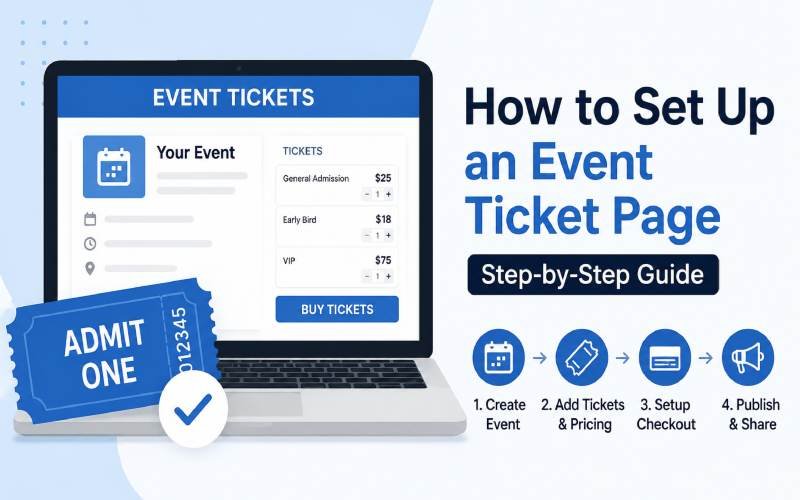
New event organizers often pick the first ticket website they find. That website may charge fees they did not expect, or it may hide the total price until checkout. A poor choice can cost real money and frustrate buyers.
This guide gives you a simple way to judge websites for ticket gamificationsummit events before you commit to one. It builds on the full platform comparison already published on this blog and focuses on the specific checks worth running yourself.
What to Check Before You Commit
A ticket website looks different once you dig past the homepage. The points below cover what actually matters once real money and real attendees are involved.
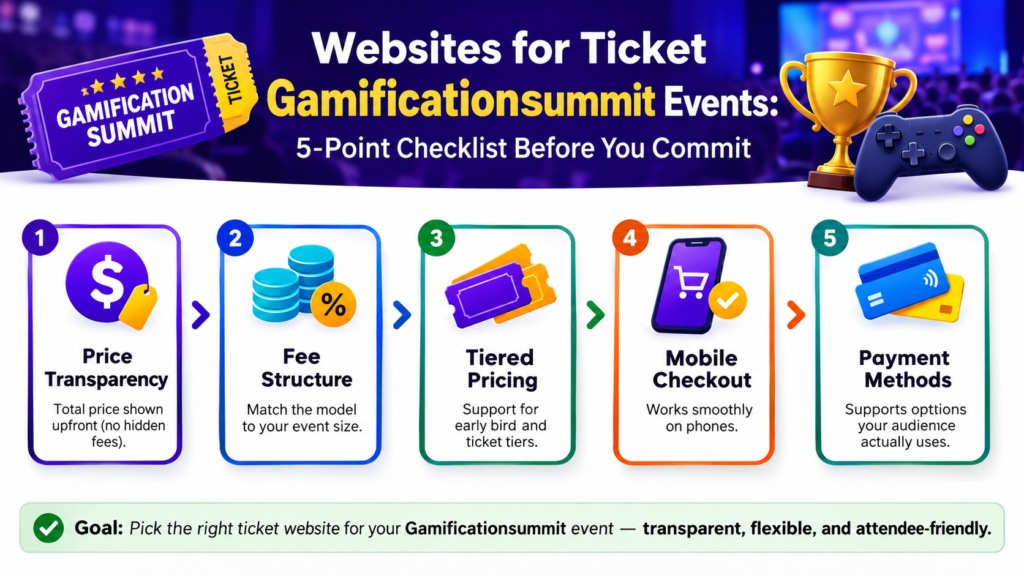
Total price shown upfront
The Federal Trade Commission requires live-event ticket sellers to display the full price, including mandatory fees, before checkout. A platform that buries fees until the final screen puts your event at legal risk in the United States, not just your buyers’ trust. Review the FTC’s rule on ticket pricing directly if you sell to a US audience.
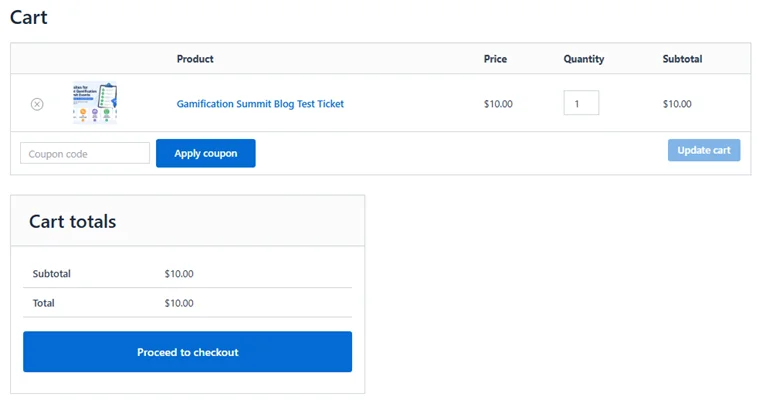
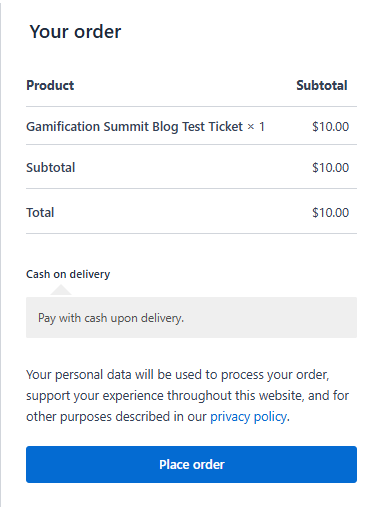
During a real test run on a WooCommerce-based setup for this guide, a ten dollar test ticket showed a clear ten dollar total at every stage of checkout, with no hidden charge appearing at the final screen. That is the standard every platform should meet, and it is worth confirming yourself before you trust any platform with real sales.
Fee structure that matches your event size
Some platforms charge a flat fee per ticket. Others take a percentage of each sale. A flat fee tends to suit low-priced tickets better, while a percentage fee can work out cheaper for higher-priced tickets. Run the math for your actual ticket price before you decide.
Support for early bird and tiered pricing
Most gamification summit events benefit from early bird pricing and a few ticket tiers, such as general admission and VIP. Confirm the platform supports this before you build your event page, since not every website handles tiered pricing the same way.
Mobile checkout that actually works
Test the buyer flow on your own phone before launch. A checkout page that looks fine on desktop can break or confuse buyers on mobile, and mobile is where most ticket buyers complete their purchase.
Payment methods your audience actually uses
Check which payment options the platform supports and whether they match your attendees. This matters even more for an international audience, where local payment preferences vary by region. Our guide on Xendit payment setup covers this in more detail for organizers selling to Southeast Asian buyers.
A note on how this guide was tested: the price transparency check above came from a real test order placed on a WooCommerce-based ticketing setup, using a manual payment option to complete the flow without live payment fees. This confirms the checkout and pricing display work correctly, though it does not replace testing your actual live payment gateway, such as Xendit, separately before launch.
A Simple Way to Compare Options
Once you have a shortlist, run each website through the same five checks above. Write down what you find instead of relying on memory, since fee structures and features are easy to mix up between tabs.
If you have not built a shortlist yet, the full platform comparison on this blog is the place to start. It lists specific options along with their fee structures and features.
What This Does Not Cover
This guide focuses on evaluation criteria, not a ranked list of specific websites. For direct comparisons between named platforms, see the dedicated comparison guide linked above.
Frequently Asked Questions
Do all ticket websites charge the same type of fee?
No. Some charge a flat fee per ticket, others charge a percentage, and some charge both. Confirm the exact structure before you commit, since this changes your real cost per ticket.
Is it legal for a website to hide fees until checkout?
In the United States, the FTC’s rule on unfair or deceptive fees requires live-event ticket sellers to disclose the total price upfront. A platform that does not follow this rule creates risk for you as the event organizer, not just for the platform itself.
Should I test the checkout process myself before launch?
Yes. Buying a test ticket yourself is the only reliable way to confirm the process works the way you expect, on both desktop and mobile.
Final Thoughts
Choosing between websites for ticket gamificationsummit events comes down to running the same checks every time: pricing transparency, fee structure, tiered pricing support, mobile checkout, and payment method fit. None of these checks take long, and skipping them tends to cost more time later than doing them upfront.
For a full breakdown of specific platforms, see our comparison of the best ticketing platforms. If you have questions this guide did not answer, reach out through our contact page and every message gets a personal reply.
Disclaimer
This article provides general evaluation guidance and does not constitute legal advice. Fee structures, features, and regulations change over time. Confirm current details directly with any platform and consult a qualified professional for legal questions specific to your event.